Complete Google Business Profile Guide 2026
Have you ever wondered why some local businesses show up first on Google Maps while others stay hidden?
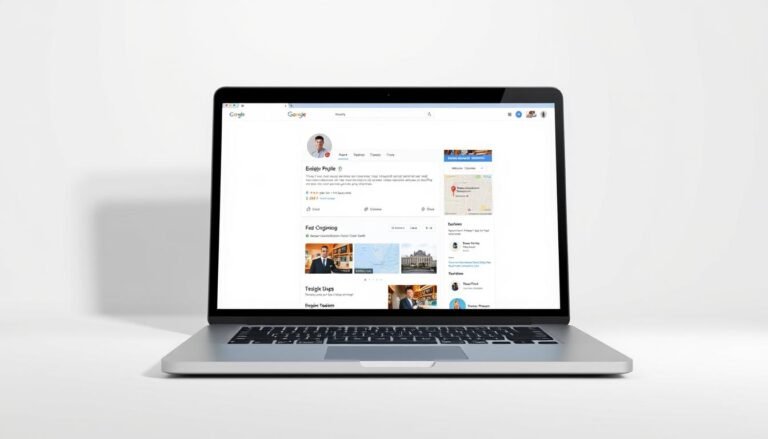
I wrote this introduction to explain how a google business profile can lift visibility in local search and on Google Maps, especially for busy Indian markets.
In this section I outline what a business profile includes: name, address, hours, website, categories, products, services, photos, and reviews. Knowing these details helps owners control how customers find and trust their business.
I will preview the steps you need: eligibility, setup and verification, core information, category choice, NAP consistency, description tips, media, Q&A, messaging, and reviews. Each step is practical and aimed at both new listings and existing profiles.
Stay with me if you want simple, actionable tips that improve search results and clicks. Small updates to content and accurate information can turn a listing into a steady revenue channel.
Why Google Business Profile Still Matters in 2026 for Local Search and Google Maps
A well-managed business profile can be the difference between getting a call or being invisible. I rely on clear listings to win local attention and convert nearby searchers into customers.
How a profile shapes local pack and discovery
Profiles that show accurate address, hours, and category information rank higher in the local pack. Proximity matters, but relevance from correct categories and complete content matters just as much.
Visibility, credibility, and control of information
Reviews and timely replies build credibility with users. I update hours, services, photos, and the website field so customers find the facts they need in search results and on google maps.
- Proximity + category relevance + review prominence = better visibility
- Active profiles with posts and photos get more clicks and direction requests
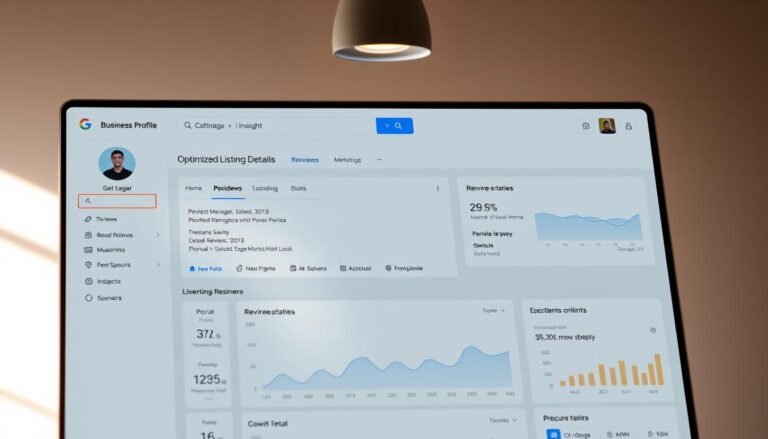
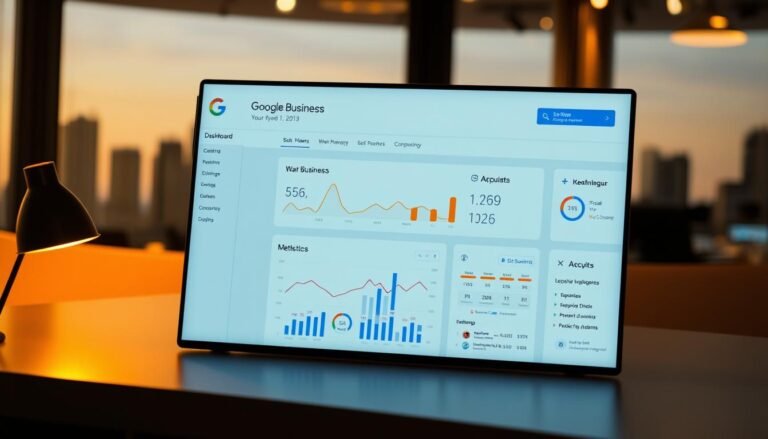
- Insights let me track impressions, queries, and customer actions over time
| Profile Type | Core Strength | Typical Outcome |
|---|---|---|
| Static listing | Basic info only | Low interactions, fewer calls |
| Optimized profile | Complete fields, photos, replies | More website visits and direction requests |
| Active profile | Regular posts, updated hours, fresh reviews | Higher local visibility and qualified leads |
The best part: this channel is free. My investment is time and accurate updates, not ad spend. I keep a short checklist: set a clear category, complete core fields, answer reviews, and refresh photos and posts regularly.
Eligibility, Compliance, and Staying Suspension‑Safe
A correct listing begins with real-world truth: signage, staffed hours, and an authentic address. I check eligibility first so I avoid wasted edits and suspensions.

Who can create a listing: storefronts, service areas, and hybrids
Storefronts must have fixed signage and staffed hours to show an address. Service-area businesses that travel to customers can create a profile but should hide residential addresses.
Hybrids that both serve onsite and travel use one profile per staffed location. Departments or practitioners may qualify separately; I cover that later.
Core policy pitfalls: names, prohibited content, and accuracy
Use the real business name used on signage and stationery. Do not add taglines, phone numbers, or URLs to the name field.
Keep content relevant and avoid prohibited material or requests for personal confidential data. Accurate hours, categories, and address details reduce change rejections.
Reflecting the real-world business across signage and branding
- No P.O. boxes or virtual offices unless truly staffed with signage.
- Service-area boundaries should be realistic (roughly within a two-hour drive in India).
- One profile per physical location prevents duplicate records on Google Maps.
| Type | Address Visible | Typical Requirement |
|---|---|---|
| Storefront | Yes | Signage, staffed hours |
| Service‑area | No (hide) | Service boundaries, no residential address |
| Hybrid | Depends | One profile per staffed location |
I audit listings after moves or rebrands. Consistent on-site branding, invoices, and business cards that match the profile name protect my presence in local search and maintain trust with customers and reviews.
My Step‑by‑Step Setup: From Google Maps to a Verified Business Profile
This section shows the exact actions I take from Google Maps to a verified listing. I keep each step simple so owners in India can complete setup without common mistakes.
Creating or claiming your listing the right way
I start in Google Maps and tap “Add your business,” then sign in or create a business account. I enter the exact business name used on signage and pick the most specific category.
If I have a storefront, I add the address. If I travel to customers, I set a service area and hide the address. I also add a local phone number and website and opt into Google updates.
Verification options: postcard, phone, email, and video
| Method | When I use it |
|---|---|
| Postcard | Storefront verification at the business address |
| Phone / Email | Fast option if available |
| Recorded / Live Video | When Google requests proof of location or signage |
Fast‑tracking completeness after verification
After verification I add services, set accurate hours, enable messaging only if I will reply fast, and upload logo and photos. I write a concise description of products and services and then search to confirm the profile appears in search and google maps results.
Business Information That Ranks: Name, Address, Phone, Hours, and Categories
Your core listing fields tell Google and customers exactly what your business is and where you serve. I focus on truthful, local details that improve visibility in local search and reduce risk of suspension.
Business name: real‑world accuracy without keywords
I use the exact business name shown on signage and stationery. I never add taglines, phone numbers, or extra keywords to the name field.
Address and service areas: precision for storefronts and SABs
For storefronts I enter the precise address and pin the exact location. Suite and floor go in address line two so customers find me in crowded markets.
For service‑area businesses I hide any residential address and set realistic coverage zones that reflect where I actually travel.
Phone and website: local numbers, control, and no redirects
I list a local phone number that I control and avoid premium or forwarding numbers that confuse customers. The website should represent this location and not redirect users to unrelated pages.
Business hours and more hours: what to publish and when
I publish regular hours that match staffed times. I use More hours for pickup, delivery, or senior timings and set special hours for seasonal changes or temporary closures.
Choosing the fewest, most specific categories
I pick a primary business category that completes “This business IS a …” and add only a couple of supporting categories. Fewer, specific categories help Google match queries to my services.
- I keep name, address, phone number, and website consistent across the profile and other listings.
- I avoid categories for amenities I don’t run and revisit categories as my services change.
- Consistent core information builds trust with customers, reviews, and search engines.
NAP Consistency and Data Hygiene Across Profiles and Listings
Small differences in how your address or phone appears can cost you visibility in local search. I treat Name, Address, Phone as a single trusted record and publish that exact format everywhere my listing appears.
I check the business profile editor, my website, and major Indian directories to confirm the canonical NAP. I standardize abbreviations, suite formats, and how I place the pin so Google and customers see the same location details.
Call tracking without breaking NAP
I implement call tracking by making the tracking number the primary phone number on the profile and adding my main phone as an additional number. This preserves tracking while keeping NAP integrity.
- I avoid premium or third‑party numbers that I don’t control.
- I use a location-specific website URL that does not redirect to aggregators.
- I run regular audits to find duplicates and request merges or removals.
| Common Issue | Why it harms search | My fix | Result |
|---|---|---|---|
| Address variants (Rd./Road) | Splits citations and confuses pin placement | Pick one format and update site + directories | Stronger local signals |
| Multiple primary phone numbers | Ranking signals are diluted | Use call tracking as primary; add main line as secondary | Accurate call data and consistent NAP |
| Redirecting website URL | Loss of referral attribution and trust | Use a fast, location-specific landing page without redirects | Better user experience and link equity |
| Duplicate profiles | Split reviews and lower visibility | Audit, claim, and request merges or removals | Consolidated ranking signals |
Crafting a High‑Performing Business Description
A clear, customer-focused description helps searchers decide in seconds whether my business fits their needs.

I keep the description concise and fact-based. I list core services and key products so people and search engines see what I offer at a glance.
I add a short origin line or mission statement that explains why my business exists and what sets my team apart. This humanizes the profile and builds trust with local customers.
What I include
- Primary services and notable products in plain language.
- A brief mission or founding detail that relates to customer needs.
- How my category and offerings solve common local problems.
What I avoid
- No links, no price promos, and no gimmicky characters.
- Avoid keyword stuffing; use one or two relevant keywords naturally.
- No exaggerated or unverifiable claims that conflict with reviews or site information.
I proofread for grammar and keep the description aligned with my website and category fields. I update it when I add new services or expand locations to keep information accurate and useful for search and customers.
Media That Converts: Photos, Videos, and Visual Trust Signals
Strong visuals make a listing stop scrollers and turn casual searches into visits. I use images to show the place, the people, and the products so customers know what to expect.
Profile, cover, interior/exterior, team, and product shots
I upload a clear logo as my profile image and a cover photo that captures the brand experience. Exterior photos from several angles help people spot my storefront on google maps.
Interior shots show seating, aisles, or counters. Product close-ups and team photos build trust and set honest expectations.
Format and size guidelines for crisp rendering
- Use JPG/PNG files sized between 10 KB and 5 MB.
- Profile photo: 250×250 px; cover: 1080×608 px; gallery: 720×720 px; post images: 1200×900 px.
- Add short, steady videos with good lighting to demonstrate services or product use.
- Avoid heavy filters; keep branding consistent across photos and update seasonally.
| Image Type | Recommended Size | Purpose | Best Practice |
|---|---|---|---|
| Profile | 250×250 px | Brand recognition | Clear logo, no text overlays |
| Cover | 1080×608 px | First impression | Show storefront or main service |
| Gallery | 720×720 px | Details: products & interior | Multiple angles, real staff photos |
| Posts / Videos | 1200×900 px / short clips | Promos & demos | High contrast, steady framing |
Google Posts, Q&A, and Messaging: Driving Engagement in Search Results
Regular updates help my listing stay relevant in local search and catch customers’ attention.
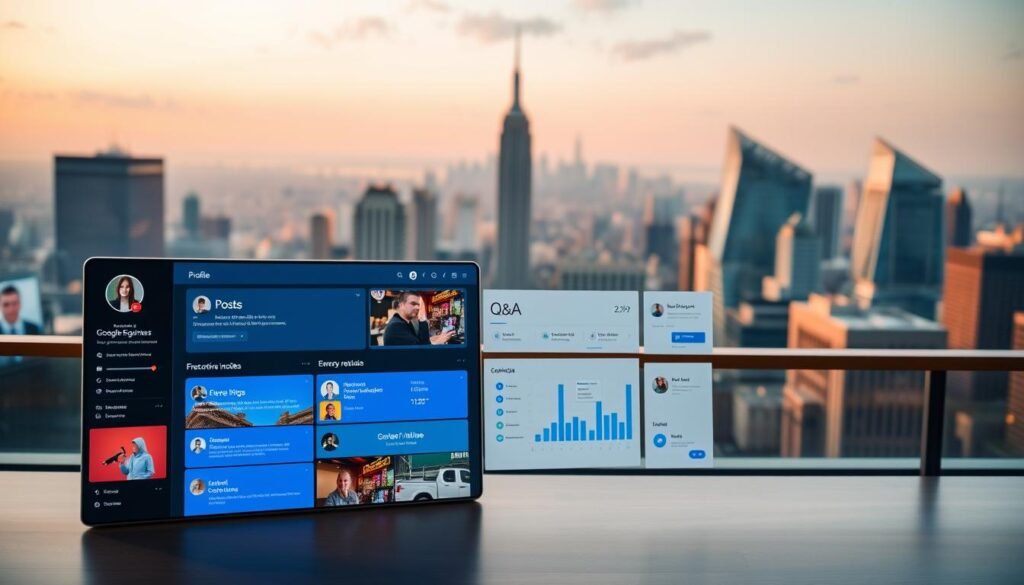
I publish three post types: What’s New for updates, Offers for limited deals, and Events with clear start and end times. Posts usually last seven days unless they are Events.
Offers, Events, and What’s New: when and what I post
I add an update, write a short description, attach a photo or video, choose an optional button that links to a relevant page on my website, preview, and publish.
I use high-quality images and a strong call to action. I plan a weekly or biweekly cadence so the profile looks active in google search and google maps.
Owning Q&A before users ask
I seed the Q&A with common questions on pricing, parking, payment modes, and service scope. I monitor answers and correct user-submitted replies to keep information accurate and reduce repeat calls.
Messaging: when to enable and how to manage
I enable messaging only if I can respond quickly. Fast replies convert prospects while they compare options.
I set SLAs for response times and assign team members for peak hours. I track which posts drive clicks to the website and which Q&A entries cut down routine inquiries.
| Feature | When to Use | Key Action |
|---|---|---|
| What’s New | Product updates, tips | Post weekly; add image + CTA |
| Offers | Limited-time deals | Include expiry, link to landing page |
| Events | Scheduled workshops or sales | Set start/end; event persists until over |
| Q&A | Common customer queries | Seed questions; monitor replies |
| Messaging | When coverage is reliable | Assign staff; set SLAs for quick replies |
Reviews Strategy: Earning Stars, Responding Smart, Building Trust
How you handle reviews can change a hesitant searcher into a paying customer. I treat feedback as both social proof and operational input for my business.
How I encourage authentic reviews without solicitation pitfalls
I ask for reviews ethically after service by giving simple steps and QR codes at the counter or on receipts. I never offer discounts or incentives for reviews and I avoid asking for personal or confidential information.
I make it easy: I show customers how to find the review link on my listing and suggest they mention the specific service they used. Short prompts—like “Tell us about the haircut today”—raise response rates without breaching policy.
Reply frameworks for positive and negative feedback
I monitor new reviews daily and reply promptly with personalized, sincere messages. For positive reviews I thank the customer, echo a detail, highlight a differentiator, and invite them back.
For negative feedback I acknowledge the concern, apologize if appropriate, outline a brief fix or policy, and move the discussion offline without asking for sensitive data. I avoid arguing and focus on facts and empathy.
- I watch for repeated themes—pricing, wait times, staff training—and fix root causes to improve future ratings.
- Transparent replies that reference actions (extended hours, new training) build credibility in search and for local businesses viewing my profile.
Products, Services, and Menus: Structuring What I Sell for Search
I structure offerings on the profile to match real search phrases used by local customers. Clear labels and full menus reduce confusion and cut routine calls.
Eligible products and policy boundaries
Product listings are available in select countries (US, CA, UK, IE). I avoid restricted items like alcohol, tobacco, gambling, prescription drugs, unapproved supplements, and medical devices.
Listing services and attributes to match user intent
I write services in plain language that mirrors what customers search for and group them under the correct category. I publish full menus for food or service businesses, not just “popular items.”
- I add attributes (wheelchair access, payment methods) so customers filter quickly.
- I include price ranges or “starting at” labels to set expectations.
- I never link menu URLs to third‑party ordering; I point to my site’s menu page or approved owner URLs.
| Type | What I publish | Policy note | Benefit |
|---|---|---|---|
| Products | Full catalog items and photos | No restricted goods; follow Shopping Ads rules | Better match in search and clicks |
| Menus | Complete food or service menu | No third‑party order links without consent | Fewer pricing queries, higher trust |
| Services | Detailed service list with pricing bands | Group under correct category | Improved relevance for local search |
| Attributes | Accessibility, payment, booking options | Keep current and truthful | Helps customers choose faster |
The gmb guide to Multi‑Location, Departments, and Practitioners
When a brand spans multiple locations, I treat each site as its own local business for customers and for search. Clear rules on naming, categories, and contact information keep listings accurate and reduce confusion across maps and search results.
Name and category consistency for chains and brands
I standardize the business name across India unless a sub‑brand or a fully documented local name is used consistently. I never add neighbourhood tags to the official name; I explain city context in descriptions instead.
I pick one primary business category that best fits the brand and apply it to all locations. Consistent categories help Google map customer queries to the right profile and avoid split signals.
Co‑located businesses and when to create separate profiles
Departments and practitioners get separate profiles only when they serve the public directly and operate independently. For example, a clinic with multiple specialists may list each doctor if they have distinct hours and contact details.
Co‑located tenants use only categories that describe what they are. A cafe inside a bookstore should not inherit the bookstore’s category and vice versa. Each location must have accurate address, hours, and phone info that matches the place customers visit.
- I manage hours per profile when they differ from the main location.
- I keep brand imagery uniform while showing each storefront so customers recognise the chain locally.
- I run a rollout checklist: verification, category choice, NAP publication, and a duplicate audit.
| Scenario | When to Create | Key Action |
|---|---|---|
| Chain location | Always separate per physical site | Standardize name, category, and local contact |
| Department / Practitioner | Separate if public‑facing | Use distinct hours and phone; own profile |
| Co‑located tenant | Always separate | Apply only tenant’s categories and address |
Measuring What Matters: Insights, UTM Tracking, and Continuous Optimization
I measure profile performance by the customer actions that lead to real visits and calls.
Insights in the business profile show search queries, profile views, and customer actions such as calls, website clicks, and direction requests. I review these weekly to spot discovery versus brand searches and to find terms customers use to find business listings.
Search signals and customer actions
I track which queries bring discovery traffic and which bring brand traffic. That tells me what content to add to the description, services, and photos.
I monitor views and actions to link changes—new photos, posts, or services—to real results like direction requests and phone number clicks. I analyze day and hour patterns and align staffing and messaging to match peak demand.
UTM tagging and attribution
I append UTM parameters to the website link on the listing for both google search and google maps touchpoints. This sends clear source and medium data into analytics so I can measure lead generation and website behavior from the profile.
- I maintain a central log of UTMs for consistency across listings and campaigns.
- I run experiments (cover image, Q&A entries) and document metrics week over week.
- For call tracking I add a tracking number as primary and keep my main phone number as an additional line to preserve NAP accuracy.
| Metric | Why it matters | Action I take |
|---|---|---|
| Search queries | Shows how customers find business listings | Update description and services to match terms |
| Profile views & clicks | Measures interest and intent | Test images/posts; track changes in analytics |
| Customer actions | Direct leads: calls, website, directions | Optimize contact info, hours, and UTMs |
Advanced Local Tactics for India: Categories, Language, and Holiday Hours
Precise local signals often decide whether nearby users find your business quickly. I tune small details so the profile matches how customers search in each neighbourhood.
Local nuances: service areas, pin accuracy, and multilingual content
I pick the most specific category that reflects what I do. A clear primary category helps Google match my profile to relevant searches.
When street numbers are missing I set a precise pin and use nearby landmarks only to clarify location. In crowded markets, correct pin placement reduces wasted visits.
For service‑area businesses I hide residential addresses and define realistic coverage zones. This protects privacy and keeps the listing policy‑safe.
I use More hours to highlight delivery, pickup, or festival timings. Seasonal businesses get special hours or temporary closures to avoid surprises for customers.
I publish content in English plus local languages for Q&A and posts. Multilingual updates increase relevance across India’s diverse customer base.
| Tactic | Quick Action | Why it matters | Example |
|---|---|---|---|
| Category choice | Pick specific primary category | Improves relevance in local search | “Vegetarian Restaurant” vs “Restaurant” |
| Pin & address | Fine‑tune pin; standardize address format | Reduces misdirections and citation conflicts | Use market/complex photo + exact pin |
| Hours & More hours | Set festival hours and special slots | Sets correct expectations for customers | Diwali pickup hours; monsoon service pause |
I add photos that show the storefront inside its market or mall. Local context in images helps customers find me on Google Maps and at street level.
I review Insights by region and adapt hours, services, and posts to demand. This small loop of data and updates keeps my profile relevant and useful.
Conclusion
Consistent, accurate information is the quiet engine behind local visibility. I keep one clean record: verify eligibility, set up and verify, complete core fields, and pick a focused business category that reflects what I am.
The real gains come from compounding actions: reviews, photos, posts, Q&A, and correct hours attract nearby customers on google search and google maps. Trustworthy address, phone number, and website details drive real visits and better results.
I measure impact with Insights and UTM tags so I can link profile changes to lead generation and revenue. For multi‑location businesses I keep names and categories consistent while tailoring hours and media per location.
Run a monthly maintenance step and a quarterly optimization sprint. Assign a team owner to maintain the profile, fix one item today (categories or hours), and build momentum from there.